

ROASForm has two levels of team: people who work inside one subaccount, and agency admins who see every subaccount. Both are invited by email and accept the invitation to get in.
Subaccount team
Open Team in the sidebar while you are in the subaccount. You see everyone who has access, their role, and whether they are Active or still Pending, with search and filters by role and status.
Click Invite, enter the person's full name and email, and choose a role:
Owner: full access to this subaccount, including team management and all settings.
Editor: can create and edit forms, manage integrations, and view analytics. Editors cannot manage the team.
The invitee gets an email and, once they accept, shows as Active. Until then the row says Pending and offers Resend Invite. Use the pencil to change someone's role and the trash icon to remove them. Only Owners can manage team members.
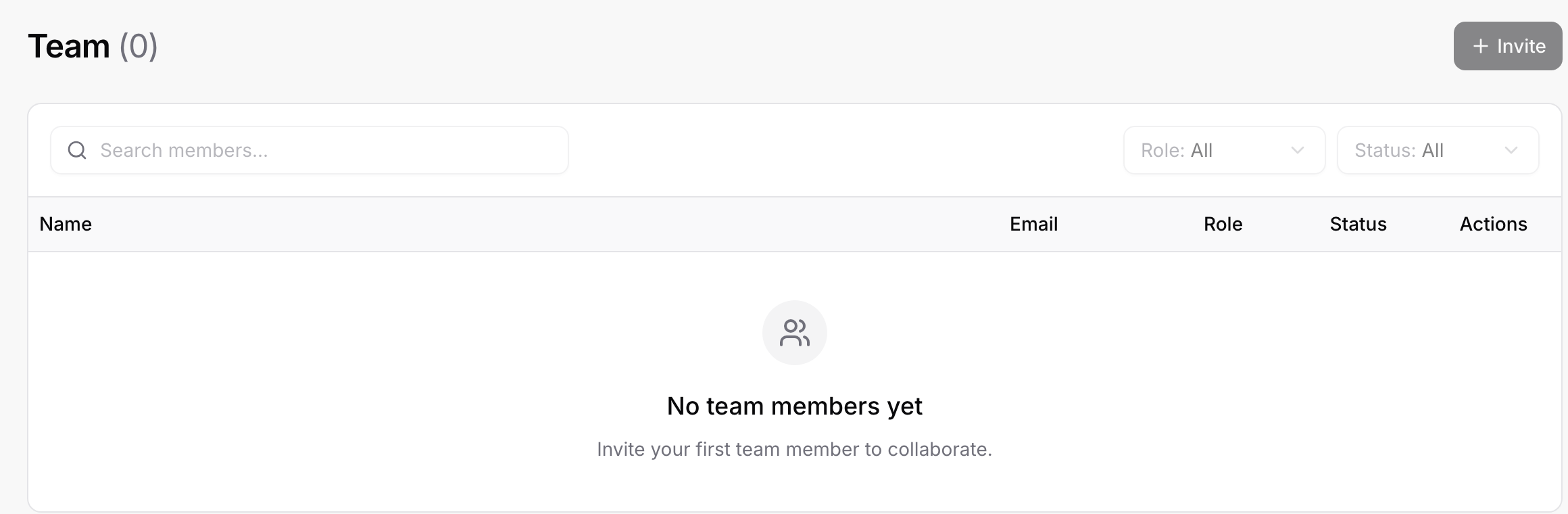
Inviting requires a paid plan. On the Free plan the Invite button is disabled with "Upgrade to a plan that supports team members to invite others."
Agency admins
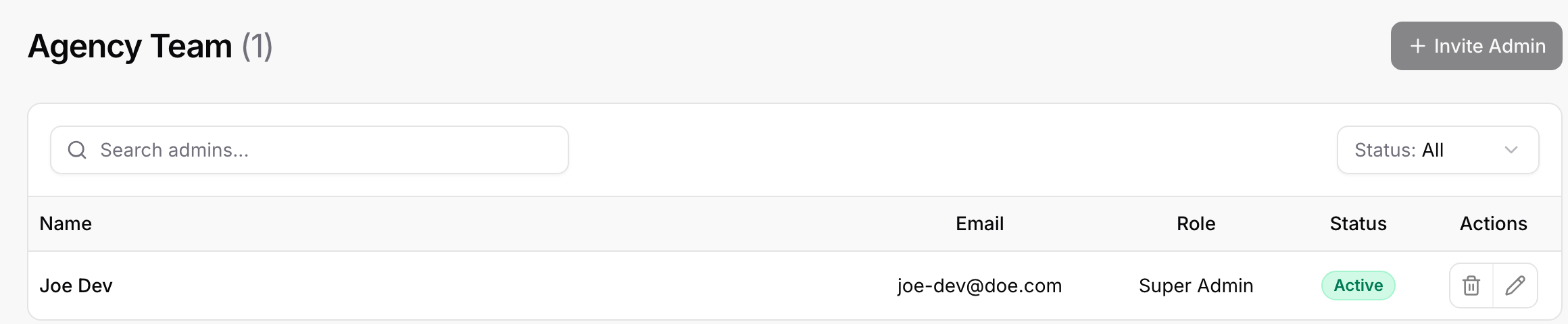
Switch to the Agency View (top of the sidebar) and open Agency Team. Admins are agency-wide: they have owner-level access to every subaccount and can manage each subaccount's team, but they cannot access billing or remove the Super Admin. The Super Admin is the account that created the agency.
Click Invite Admin, enter their name and email, and they receive an invitation like a subaccount member. The same search, Pending and Resend Invite behavior applies.
Which role should I give a client?
A client who only needs to see leads and results: Editor on their own subaccount. They can look at Submissions and Analytics and tweak forms, but cannot invite people or touch agency settings.
A client-side marketer who should own the forms: Owner on their subaccount.
Your own staff who work across clients: Admin at the agency level, so you invite them once instead of into every subaccount.
Good to know
One person can have different roles in different subaccounts.
Removing someone from the agency team removes all of their subaccount memberships as well.
Invitations are tied to the email address you typed; the person must sign in with that address to accept.