Overview

If creating an automation for partial submissions (abandoned leads), we recommend adding a delay of 1-2 minutes in your automation to see if the lead finishes the form & gets updated with a tag from your Form Ending.
You can trigger GoHighLevel automations from ROASForm in two main ways:
Using tags applied by ROASForm
(Trigger: Tag Added)
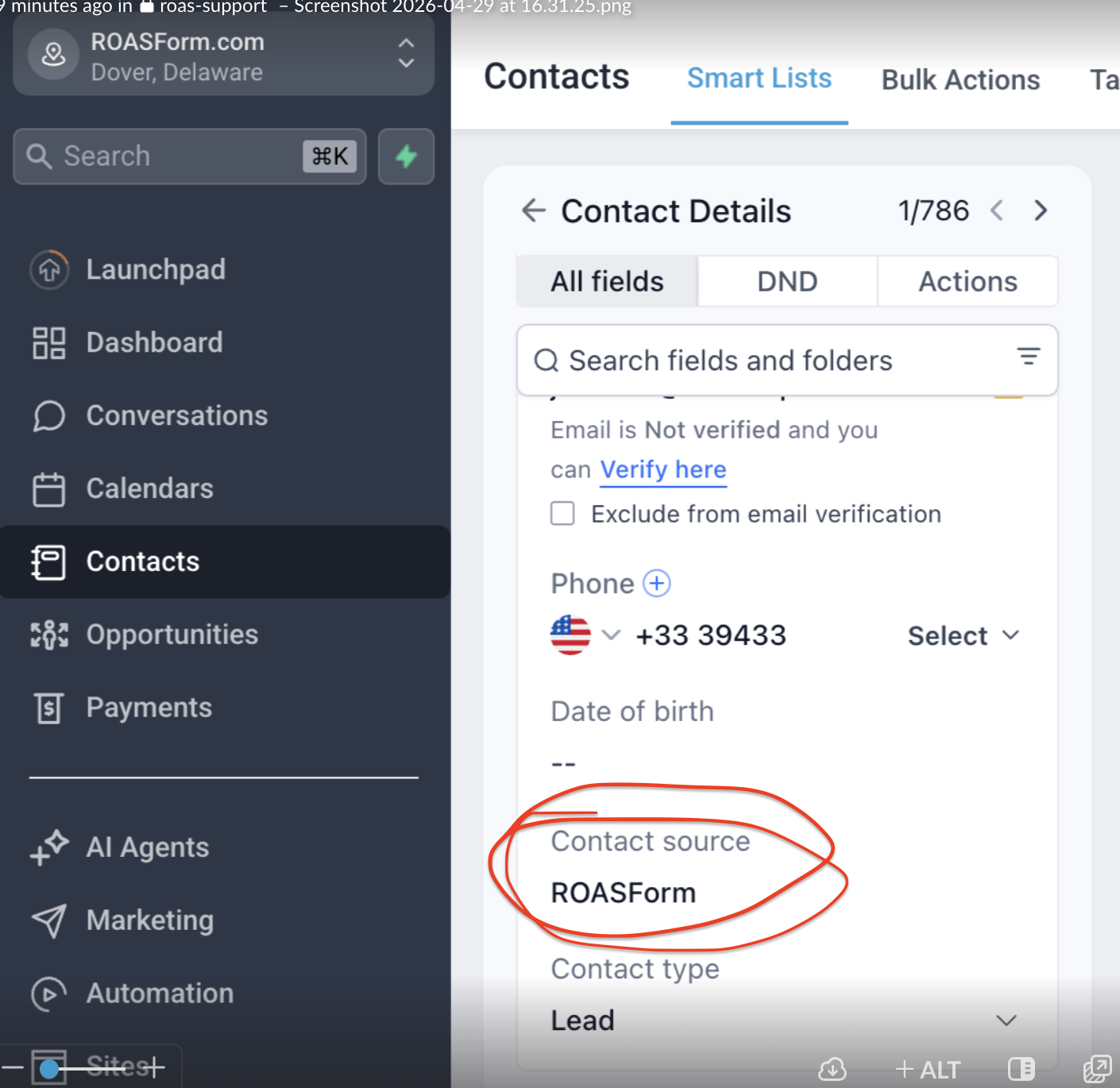
👉 We have a full tutorial on Tags here.Using the ‘contact source’ added by ROASForm. We automatically add ‘ROASForm’ to every contact that is created by ROASForm
(Trigger: New Contact | Action: IF/THEN; Contact Source contains ‘ROAS’)