Turning on X-Ray Finance changes your live form in one visible way: a small footer appears, and you cannot remove it. This article explains what the footer does, what your visitors see behind it, how their consent is captured, and what you are responsible for.
This is a plain-language guide, not legal advice. The X-Ray Terms you accepted are what apply.
Every form that runs X-Ray Finance shows this footer:
Privacy Notice · Your Privacy Choices
Your Privacy Choices carries the official California opt-out icon. The wording and the icon are prescribed, so they cannot be changed or shortened.
The footer has no settings. You cannot hide it, restyle it or move it, and it is not a question in the form builder. It shows up on its own once X-Ray Finance runs on the form, and it is gone again when X-Ray Finance is switched off for the form.
Calendar Skin, SmartSkin and Chat Bot: inside the card, directly under Powered by ROASForm. If your plan hides the badge, a thin line separates the footer from the form instead.
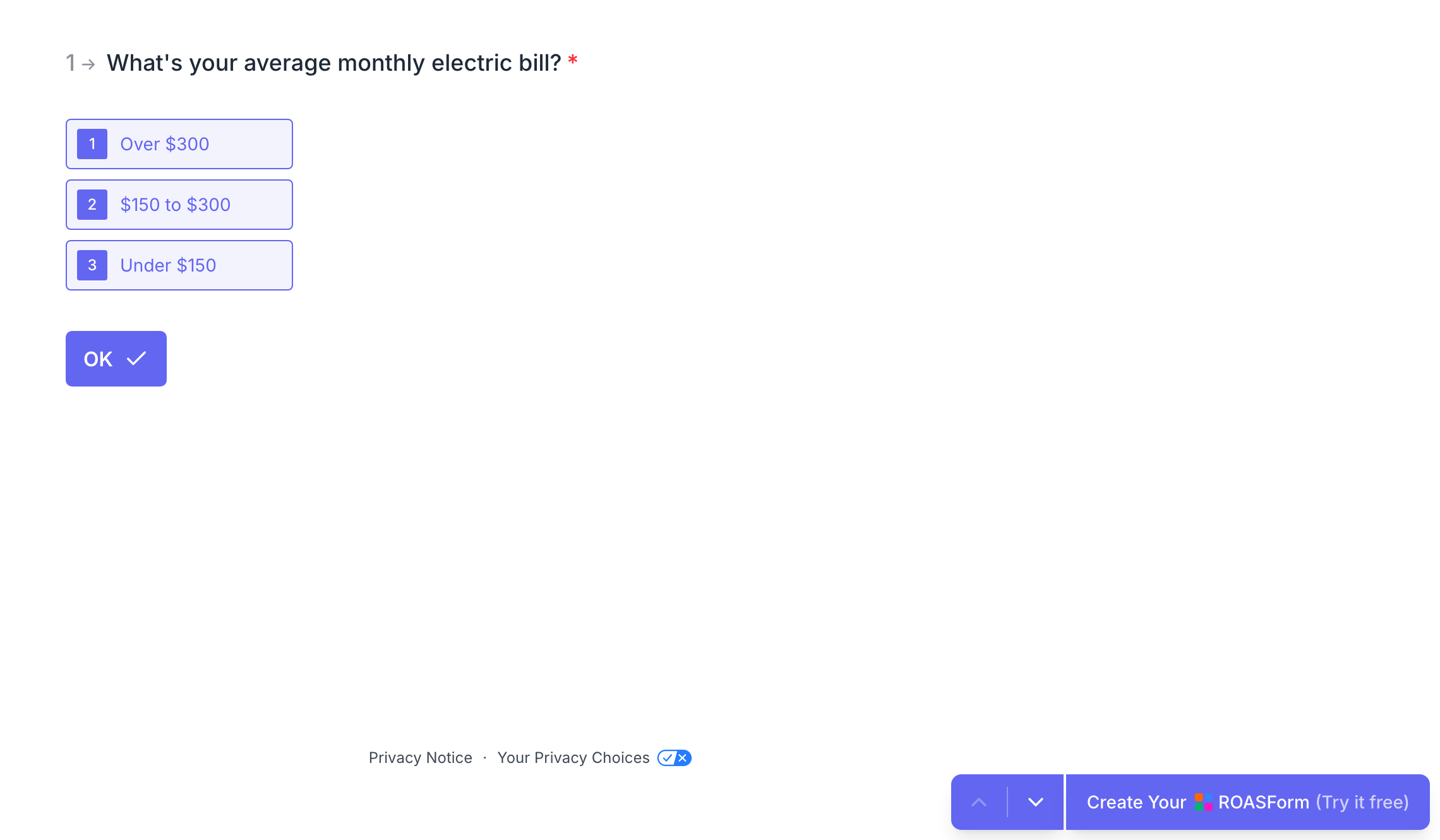
TypeSkin and Spektra: at the bottom of the page, just clear of the navigation bar at the bottom of the screen. On a phone the two links stack, one above the other.
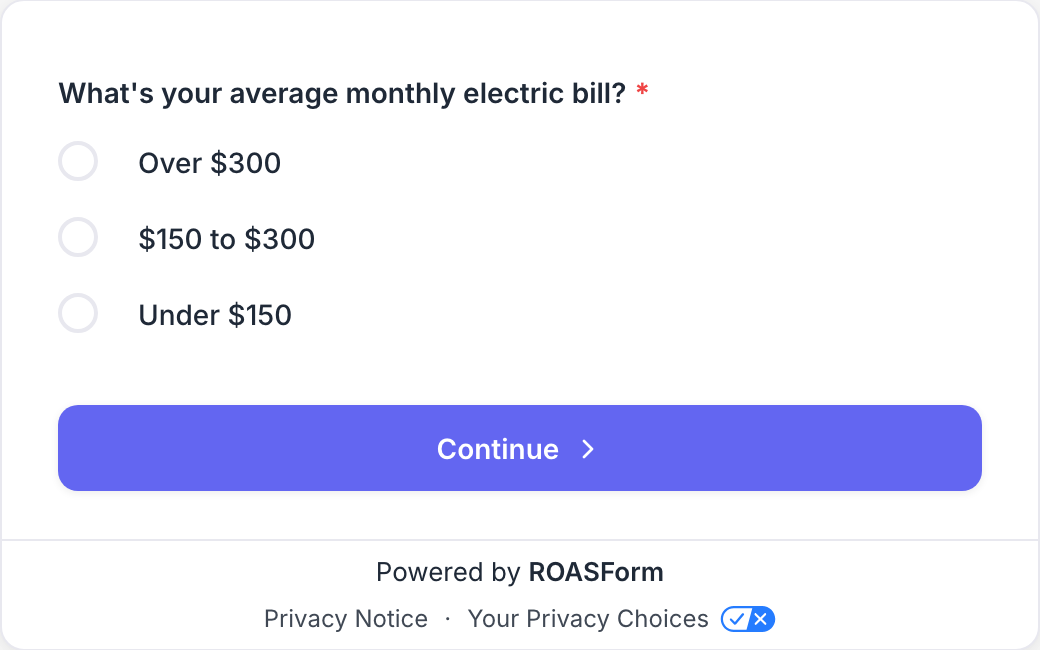
The footer is separate from the ROASForm badge. Removing the badge on an annual plan does not remove the footer.
Privacy Notice opens a popup with the notice for that form. The same notice also lives on its own page, and the popup simply shows that page, so what a visitor reads in the popup is what is on record.
The notice is generated for you, in your business's name, from your business details:
your Legal business name
your Privacy policy URL, which the notice links to in several places
your Privacy contact email, which is where visitors are told to send privacy questions
Edit them in X-Ray > Settings > Business details. Only agency users can edit them. If one of them is missing, X-Ray cannot be turned on, and a form without a complete profile has no notice to show.
The notice covers what is collected and why, the soft credit check (it says plainly that this is a soft pull that does not affect the person's credit score), the legal bases for processing, who receives the information, how long it is kept, the visitor's choices and rights, and how to reach you. It supplements your own privacy policy and does not replace it.
Each form gets its own notice, so it describes what that form actually does. Every time the notice changes, because you edited your business details or changed which forms a rule covers, a new numbered version is created and the old one is kept. Each consent record notes which version the visitor was shown.
Your Privacy Choices opens a short page where a visitor can opt out of X-Ray processing.
They enter the email address or phone number they used on the form. One is enough.
They press Opt out.
The page confirms: "Your request has been recorded."
They do not need an account or any proof. Both the email and the phone number are checked against the opt-out from then on, so a person who opted out with their email is still opted out if X-Ray would have searched by their phone.
There is no checkbox. For X-Ray Finance, the visitor's own submission of the form, with the Privacy Notice shown in the footer, is the consent. If your form uses Routing Leads with X-Ray Finance in Logic, moving past the step where the check runs, with the footer shown, counts the same way.
Because the footer is the disclosure, it has to be on screen at the step where the check runs. ROASForm takes care of that. You should not add wording that suggests a check will not happen when it will, or the other way round.
Some browsers send a Global Privacy Control signal, a standing request not to have personal information sold or shared. ROASForm honours it. When it arrives with a submission, the X-Ray Finance check does not run for that visitor. The form still submits normally and the lead is still saved. The skipped check shows up as a lead that Declined on the contact. See Why an X-Ray Lookup Did Not Run.
Future checks. From then on, no X-Ray check runs for that email or phone number on any of your forms. A lead who arrives with an opted-out email or phone is skipped, and the reason reads "The contact opted out."
Across your agency. The opt-out applies to every form and subaccount in your agency. It does not carry to an unrelated agency.
Stored safely. The email and phone are saved as one-way hashes, never in readable form, so ROASForm can answer "is this person opted out" without keeping a list of people's contact details.
What it does not do: it does not delete results you already received, and it does not remove the person from your CRM. Under the X-Ray Terms, an opt-out is binding on you for X-Ray data, so do not use X-Ray results for that person afterwards. Opt-outs are applied automatically. You are not sent an alert for each one.
For every submission on an X-Ray form, ROASForm saves a record of what the visitor was shown and did:
the date and time
the IP address, the country and the browser
the page the form was on
which version of the Privacy Notice was shown
what counted as consent (the submit, or the step where the check ran)
whether the visitor opened the notice
whether a Global Privacy Control signal was present
Records are only ever added, never edited, and they are chained together so tampering would show. They exist so that "what exactly did this person agree to" still has an answer years later.
One thing to know before you delete a contact: deleting a contact also removes the record of the consent they gave, so afterwards ROASForm cannot show what that person agreed to. Their X-Ray lookups stay in your history, with anything that identifies them removed.
When you accepted the X-Ray Terms, you took on duties of your own. In short:
Leave the footer and the notice alone. Do not remove, hide, shrink or contradict them, and do not add wording to the form that changes what they mean.
Keep your business details true. They are shown to your visitors, and you promised they are accurate.
Keep a real privacy policy on your website that covers what you collect and how you use it, including credit checks if you run them.
Use X-Ray only for your own offers, with US consumers, and only on a person's own submission. No bought, scraped or made-up leads.
Use results only to qualify, score, prioritise or route that same person. Do not resell them, share them beyond service providers who work for you, or use them to decide on employment, insurance, housing or similar.
Describe the check the way the notice does: a soft check that does not affect credit score. Do not promise approval, rates or outcomes.
Handle calls and texts yourself. If you call or text leads, getting consent, checking do-not-call lists and honouring opt-outs is your responsibility.
Tell ROASForm about complaints and incidents quickly, and keep records of consent and opt-outs you export or store.
Read the terms themselves for the detail. You see them when you subscribe, in Step 2 of 2: X-Ray Terms of Service, and the steps are in Turning X-Ray On. If the terms change in a way that matters, you are asked to accept them again before X-Ray keeps running.
Your business details change the notice. After you edit them, the next version is generated automatically and used from then on.
A broken privacy policy link is your problem. Your policy URL is published inside the notice, so keep it a live page.
Doubts about wording or law? Ask your own adviser. We can explain what X-Ray does, not what the law requires of your business.

